July 9, 2026
How to Create Viral Minecraft AI Photos
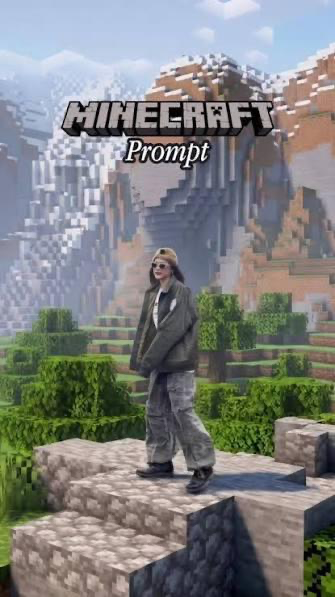
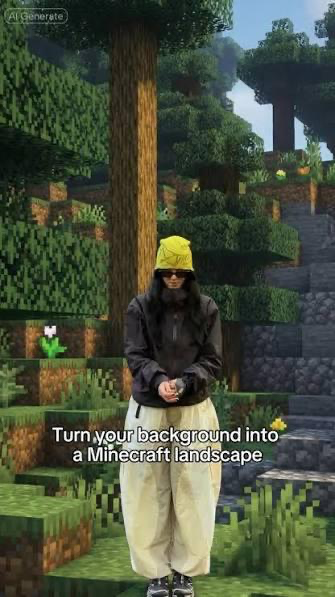
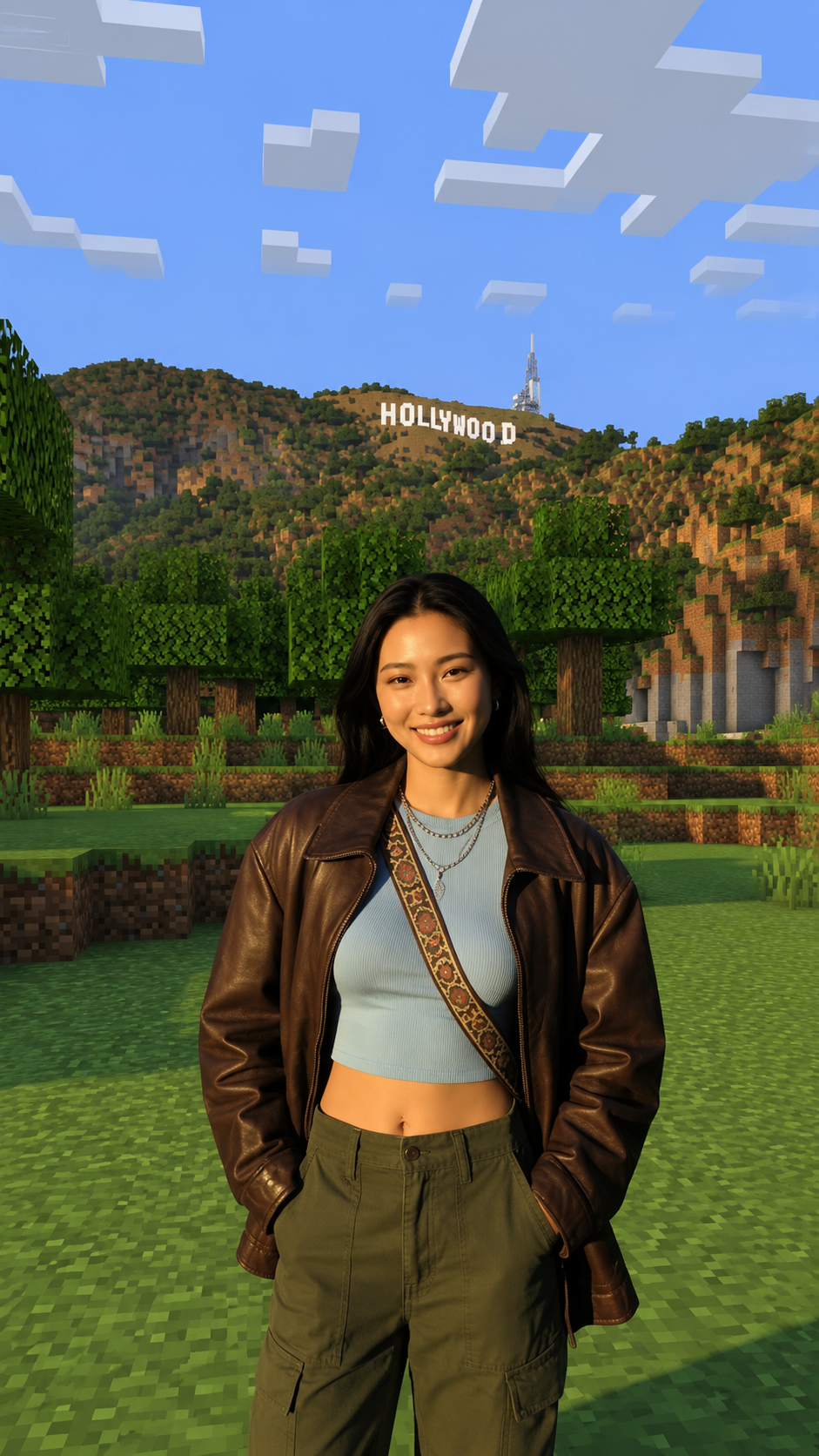
The Minecraft AI photo trend is taking over Instagram Reels, TikTok, and YouTube Shorts.
Why Is the Minecraft AI Trend Going Viral?
Minecraft is one of the most recognizable games ever created, and combining its iconic blocky landscapes with realistic portraits creates a unique visual style that's instantly recognizable.
Creators are using these images for:
- Instagram Reels
- TikTok videos
- YouTube Shorts thumbnails
- Gaming profiles
- Discord avatars
- Social media posts
Because the contrast between a real person and a Minecraft world grabs attention immediately, these posts often receive higher engagement than ordinary portraits.
Create Minecraft AI Photos with Flexify AI
Instead of experimenting with dozens of prompts, Flexify AI makes the process simple.
All you have to do is:
- Upload your normal photo.
- Upload a Minecraft landscape image as the background reference.
- Select the Minecraft Background style (or similar preset, if available).
- Generate your image.
Within a few clicks, you'll have a high-quality image ready to share on social media.
AI Prompt: Turn Your Background into a Minecraft World
If you're using a general AI image generator instead of Flexify AI, upload:
- Image 1: Your normal portrait
- Image 2: A Minecraft landscape screenshot (reference background)
Then use this prompt:
Prompt
Use the uploaded portrait as the identity reference. Preserve the user's face, hairstyle, skin tone, body proportions, pose, clothing, accessories, and facial expression exactly as they appear in the uploaded photo. Use the uploaded Minecraft landscape image only as the background reference. Replace the original background with the Minecraft landscape while keeping the user realistic. Match the camera perspective, horizon, lighting direction, shadows, depth of field, and scale so the person naturally blends into the Minecraft environment. Do not convert the user into a Minecraft character or pixel art. Keep the subject photorealistic while the environment retains the iconic Minecraft block-style terrain, trees, mountains, rivers, and textures. Produce a high-resolution, cinematic image suitable for Instagram Reels, TikTok, and YouTube Shorts.
Tips for Better Results
Use a Full-Body Photo
A standing portrait creates a more immersive scene and allows the Minecraft landscape to be showcased.
Upload a High-Resolution Image
Sharper input photos usually produce more realistic AI generations.
Choose Bright Outdoor Photos
Natural daylight makes it easier for AI to blend the subject with the Minecraft environment.
Pick an Interesting Minecraft Landscape
Mountains, forests, villages, cliffs, rivers, or cherry blossom biomes usually produce the most eye-catching results.
Why This Trend Works So Well
Unlike many AI trends that completely transform your appearance, the Minecraft trend keeps your identity intact.
Friends instantly recognize you, while the unexpected game-inspired background creates curiosity and encourages people to stop scrolling.
That's exactly why creators are using it to increase engagement across social platforms.
Final Thoughts
The Minecraft AI trend is one of the easiest ways to create unique, scroll-stopping content without advanced editing skills.
Whether you generate the image manually using the prompt above or use Flexify AI for a faster workflow, you can create realistic portraits that place you inside the iconic Minecraft world.